Dark
VS Code color theme
Calm editor surfaces. Clear purple focus.
Four color modes. Three syntax styles. A considered violet palette for your editor, terminal, and the work between them.
Variants
Four modes. One visual rhythm.
Light
Room to breathe.
#f8f6fdHC Dark
Defined in the dark.
#0d0718HC Light
Clarity in the light.
#ffffffPreview
The theme, in your editor.
Explore real VS Code captures in each color mode. Open any image to inspect the complete window at full resolution.
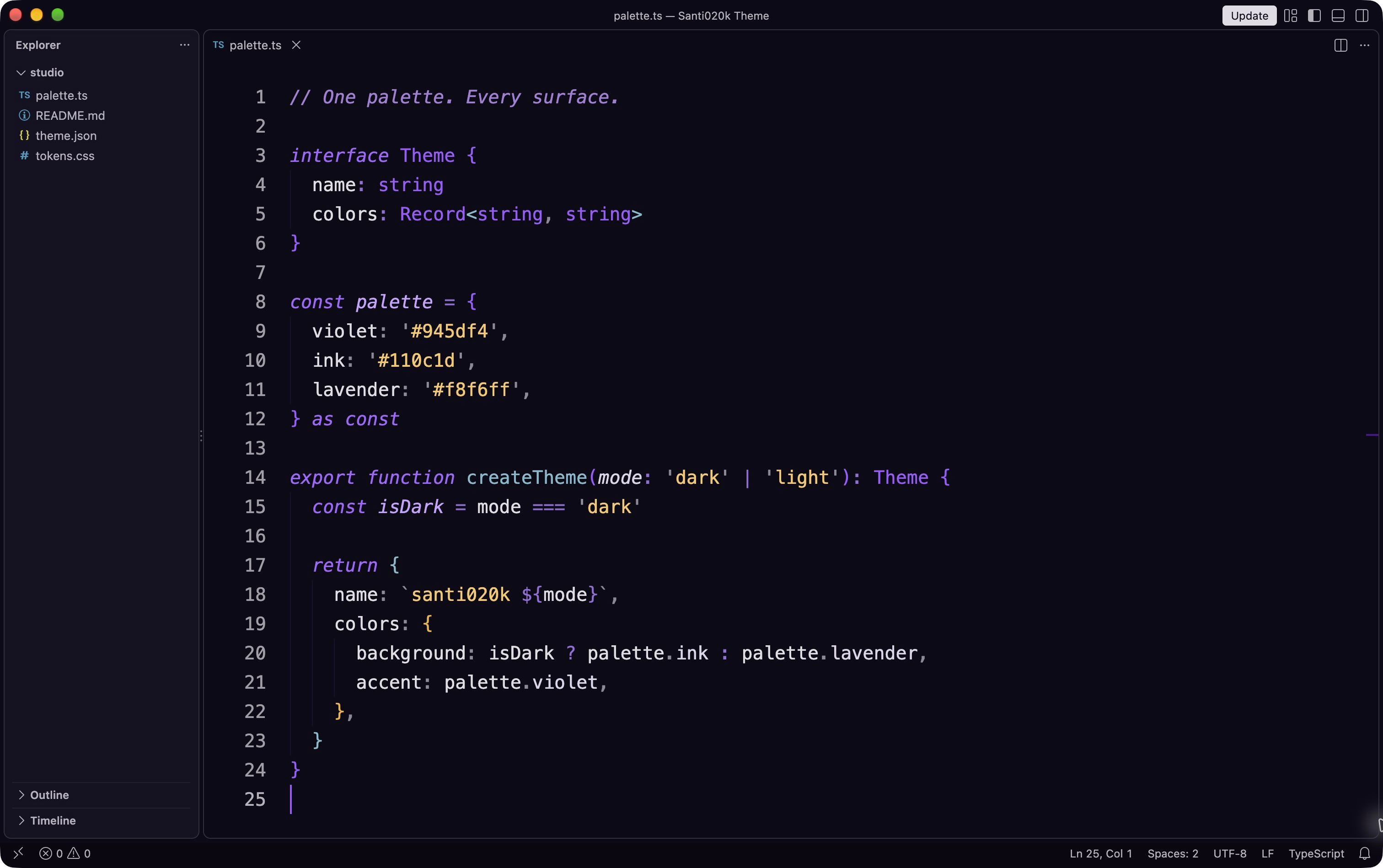
01 / VS Code
Dark
Indigo depth. Muted violet syntax.
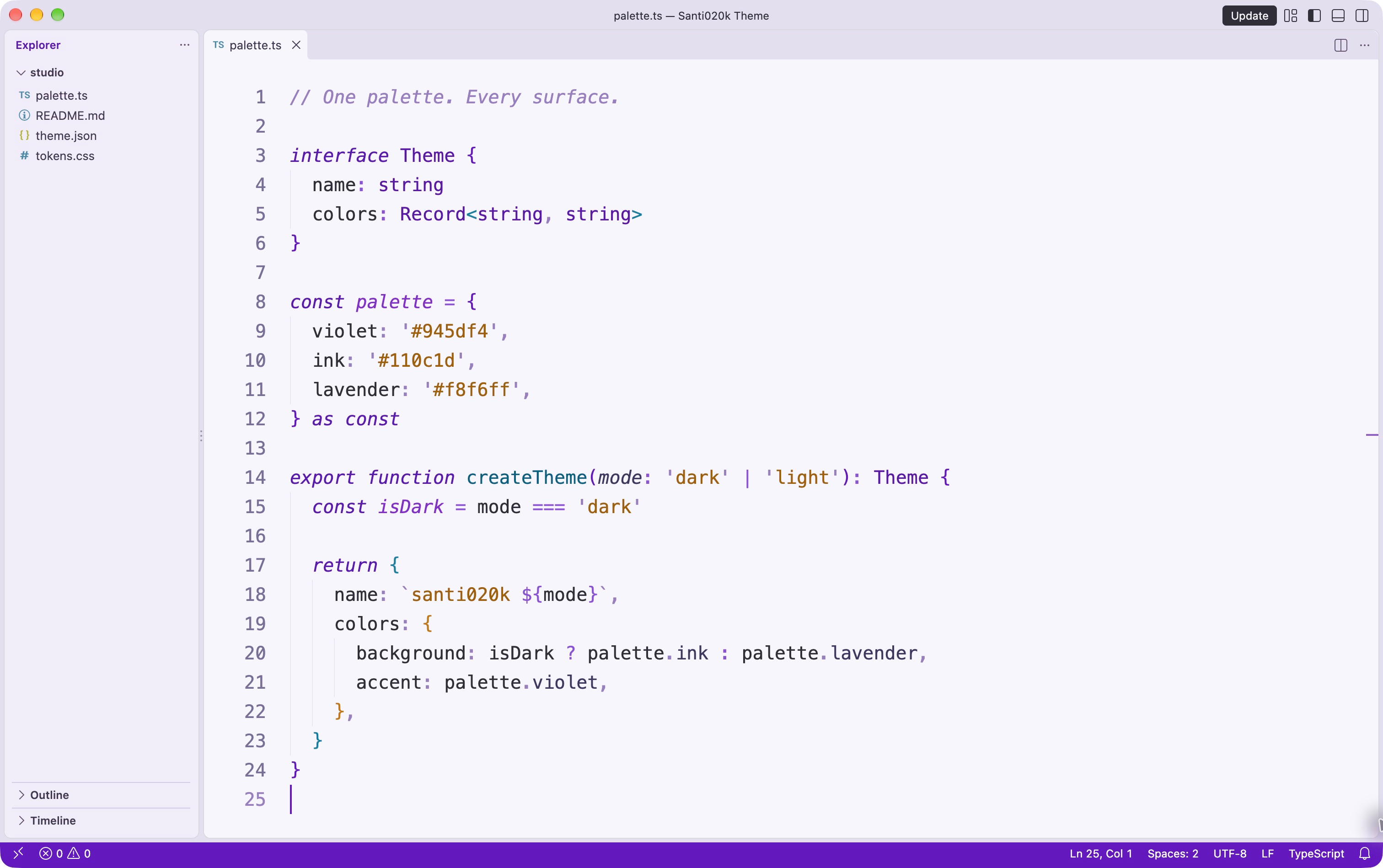
02 / VS Code
Light
A lavender canvas with room to breathe.
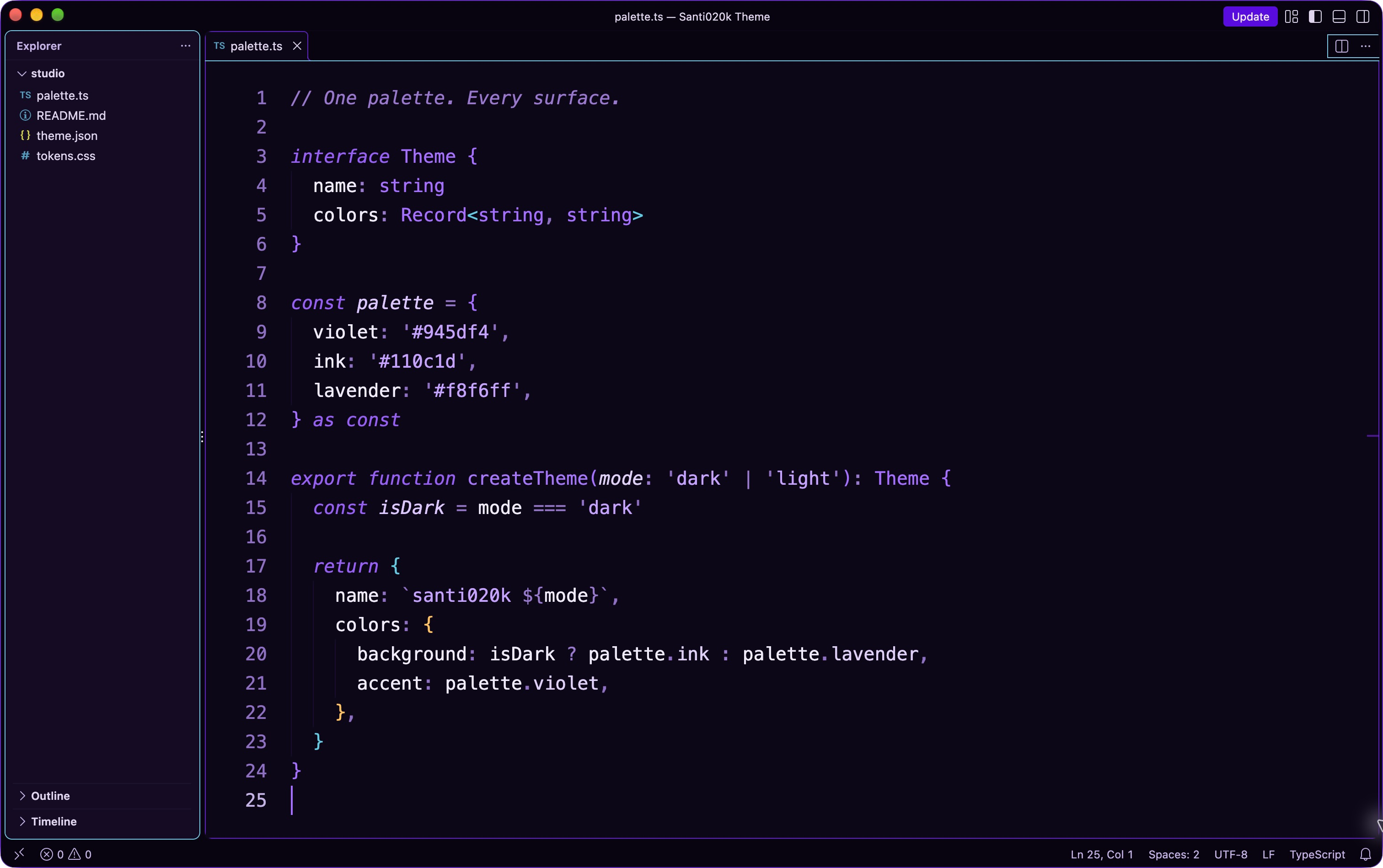
03 / VS Code
High contrast dark
Near-black surfaces. Clearly defined edges.
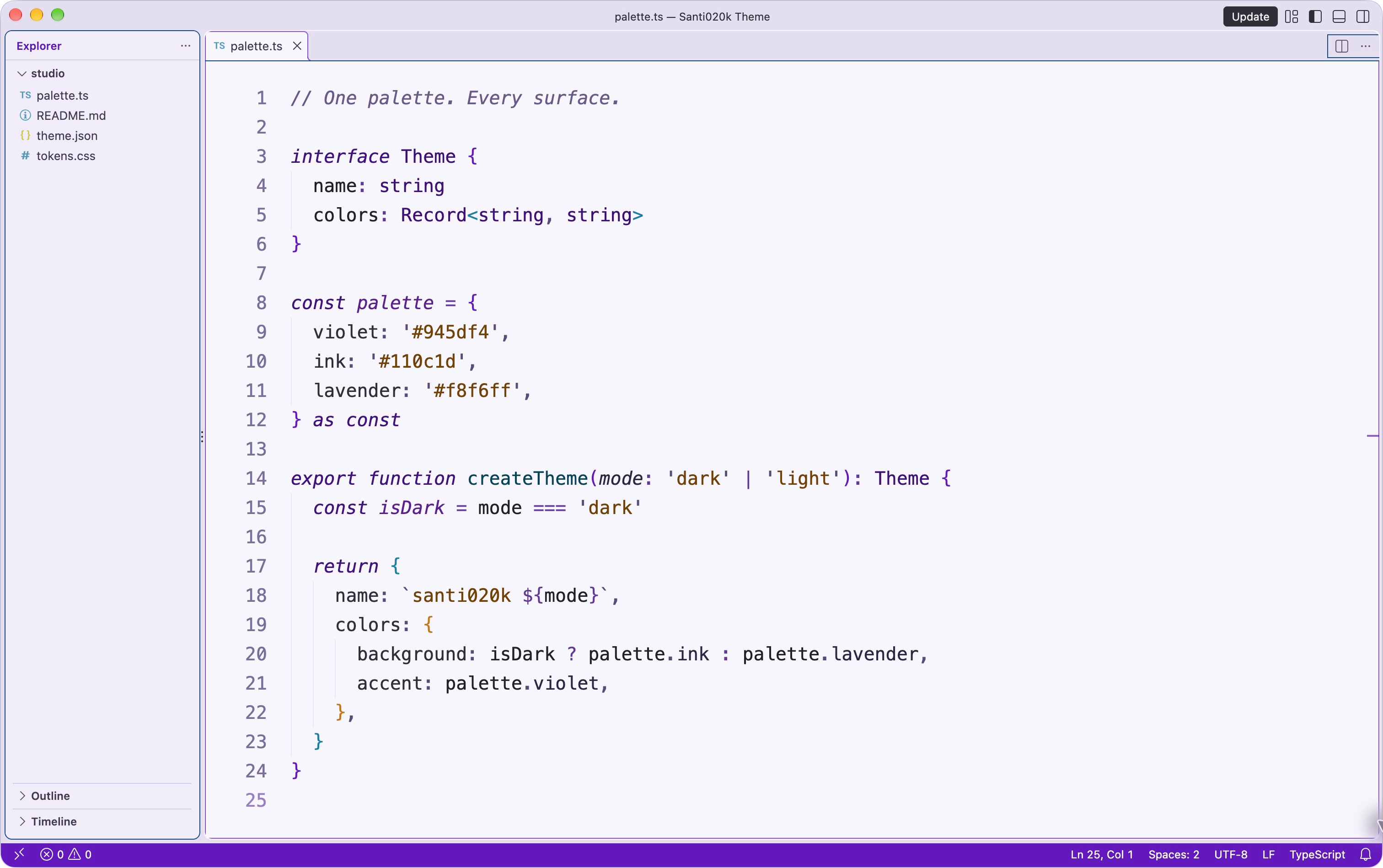
04 / VS Code
High contrast light
A white canvas. Strong, readable structure.
Philosophy
Designed for hours, not screenshots.
Every decision in the palette came from a question: does this help you read code faster?
No neon
Muted violets keep the canvas quiet, with distinct accents for the parts of your code that need attention.
Keywords recede
Control-flow keywords are muted italic — present but quiet. Your identifiers and values carry the visual weight because they carry the logic.
Semantic-aware
Semantic highlighting is on by default. Class names, type parameters, and mutable variables get distinct shades — no extra config needed.
Terminal included
The 16 ANSI colors are calibrated to the same violet palette. Shell output reads like part of the editor, not an afterthought.
Works with
Every VS Code-based editor.
Install once from the Marketplace or Open VSX — the theme loads in all editors built on VS Code's extension API.
Language coverage
Deep coverage for your stack.
TextMate and semantic colors for the languages, frameworks, and tools across your stack.
TypeScript
JavaScript
React / Next.js
Tailwind CSS
Prisma
Elixir
Node.js / Vite
Python
Rust
Go
SQL / PostgreSQL
HTML / CSS
Svelte / Vue
Shell / Docker
Compatibility
Important editor surfaces are covered.
The palette includes dedicated colors for modern VS Code workflows and popular extensions. The matrix is maintained with the theme validation fixtures.
GitLens
Error Lens
GitHub Pull Requests
Copilot Chat
Inline suggestions
Testing
Debugging
Notebooks
Remote development
Diff editor
Terminal
Notifications
Settings recipe
Copy a complete theme setup.
Choose a syntax style and optional OS switching. The recipe uses standard VS Code settings and keeps the extension itself lightweight.
Palette
Violets for focus, soft contrast for long sessions.
Colors from the editor theme. Switch the page appearance to explore light and dark, and open any swatch for its color codes.
Canvas
editor.backgroundThe base behind your code.
Color codes
- HEX
#0D0A15#F8F6FD- RGB
rgb(13 10 21)rgb(248 246 253)- HSL
hsl(256.4 35.5% 6.1%)hsl(257.1 63.6% 97.8%)
Sidebar
sideBar.backgroundA separate surface for files and navigation.
Color codes
- HEX
#151221#F0EDF9- RGB
rgb(21 18 33)rgb(240 237 249)- HSL
hsl(252 29.4% 10%)hsl(255 50% 95.3%)
Control
button.backgroundPrimary actions with a neutral contrast.
Color codes
- HEX
#DFDDE3#302E36- RGB
rgb(223 221 227)rgb(48 46 54)- HSL
hsl(260 9.7% 87.8%)hsl(255 8% 19.6%)
Focus
focusBorderA visible outline for keyboard focus.
Color codes
- HEX
#B48DF7#6319BE- RGB
rgb(180 141 247)rgb(99 25 190)- HSL
hsl(262.1 86.9% 76.1%)hsl(266.9 76.7% 42.2%)
Text
editor.foregroundThe main reading color in the editor.
Color codes
- HEX
#DFDDE3#302E36- RGB
rgb(223 221 227)rgb(48 46 54)- HSL
hsl(260 9.7% 87.8%)hsl(255 8% 19.6%)
Links
textLink.foregroundViolet for useful destinations.
Color codes
- HEX
#945DF4#6319BE- RGB
rgb(148 93 244)rgb(99 25 190)- HSL
hsl(261.9 87.3% 66.1%)hsl(266.9 76.7% 42.2%)
Line
panel.borderFine separation between editor panels.
Color codes
- HEX
#494158#D3CDE6- RGB
rgb(73 65 88)rgb(211 205 230)- HSL
hsl(260.9 15% 30%)hsl(254.4 33.3% 85.3%)
String
stringA distinct syntax color for text values.
Color codes
- HEX
#F0C870#A06000- RGB
rgb(240 200 112)rgb(160 96 0)- HSL
hsl(41.3 81% 69%)hsl(36 100% 31.4%)