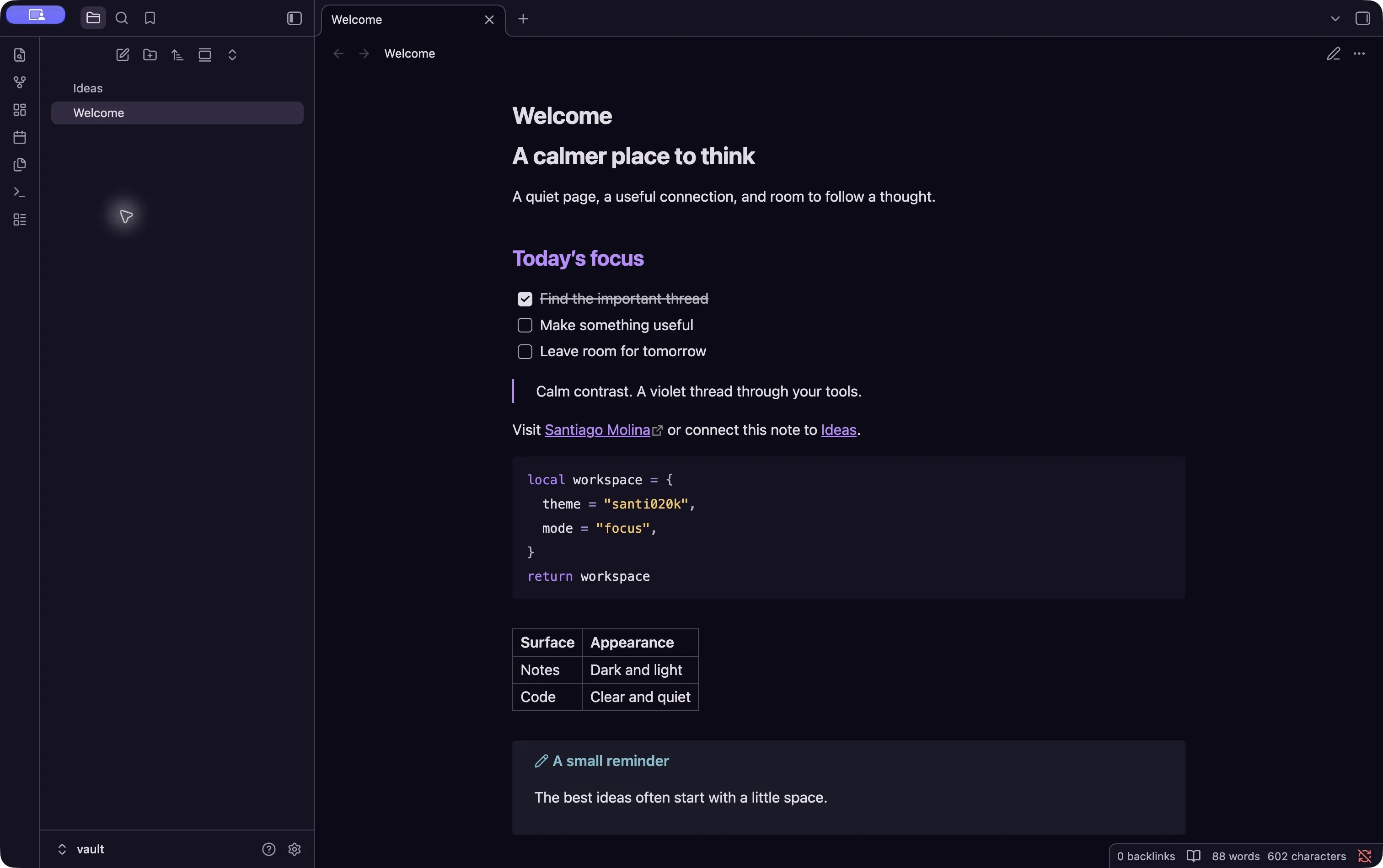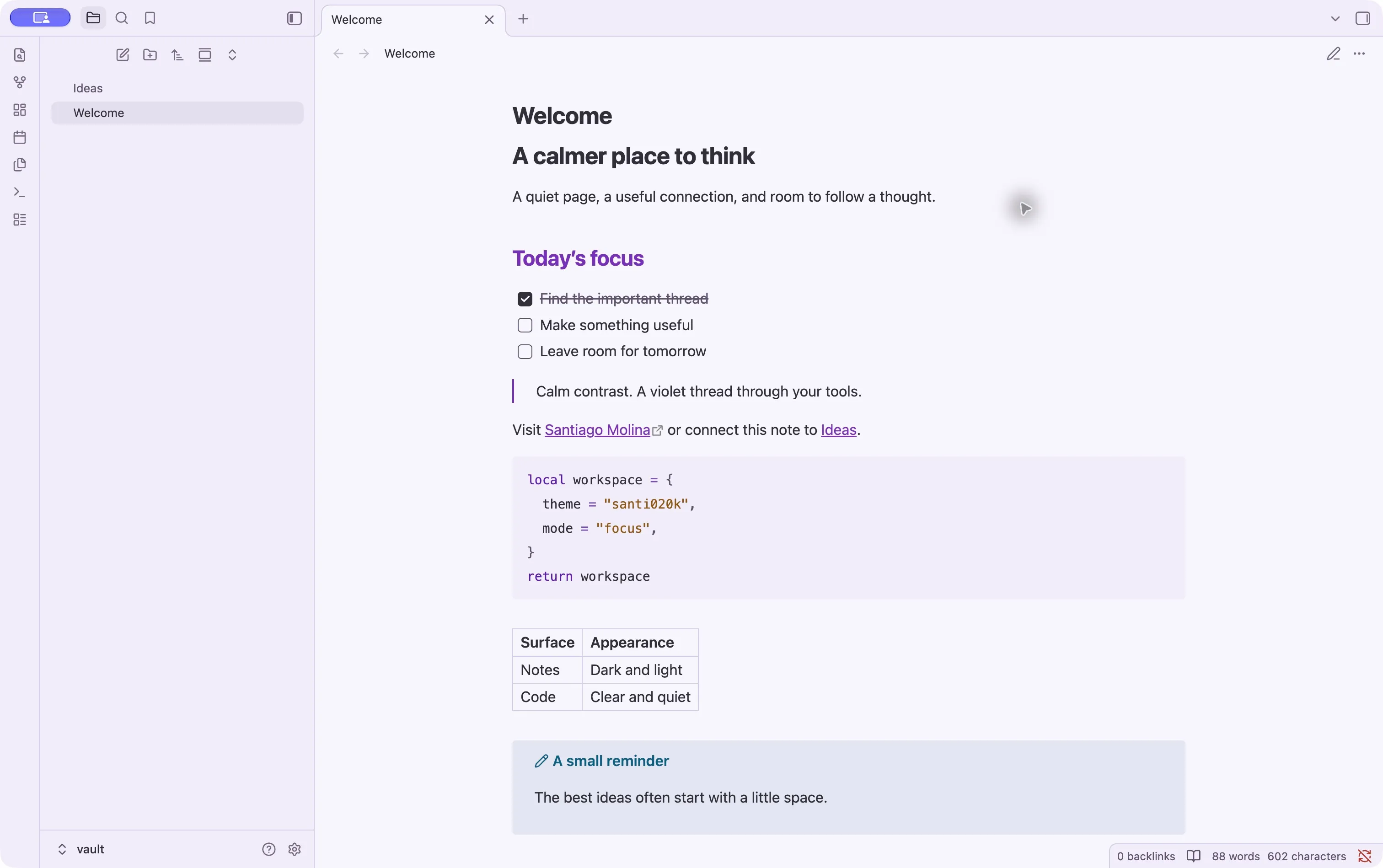
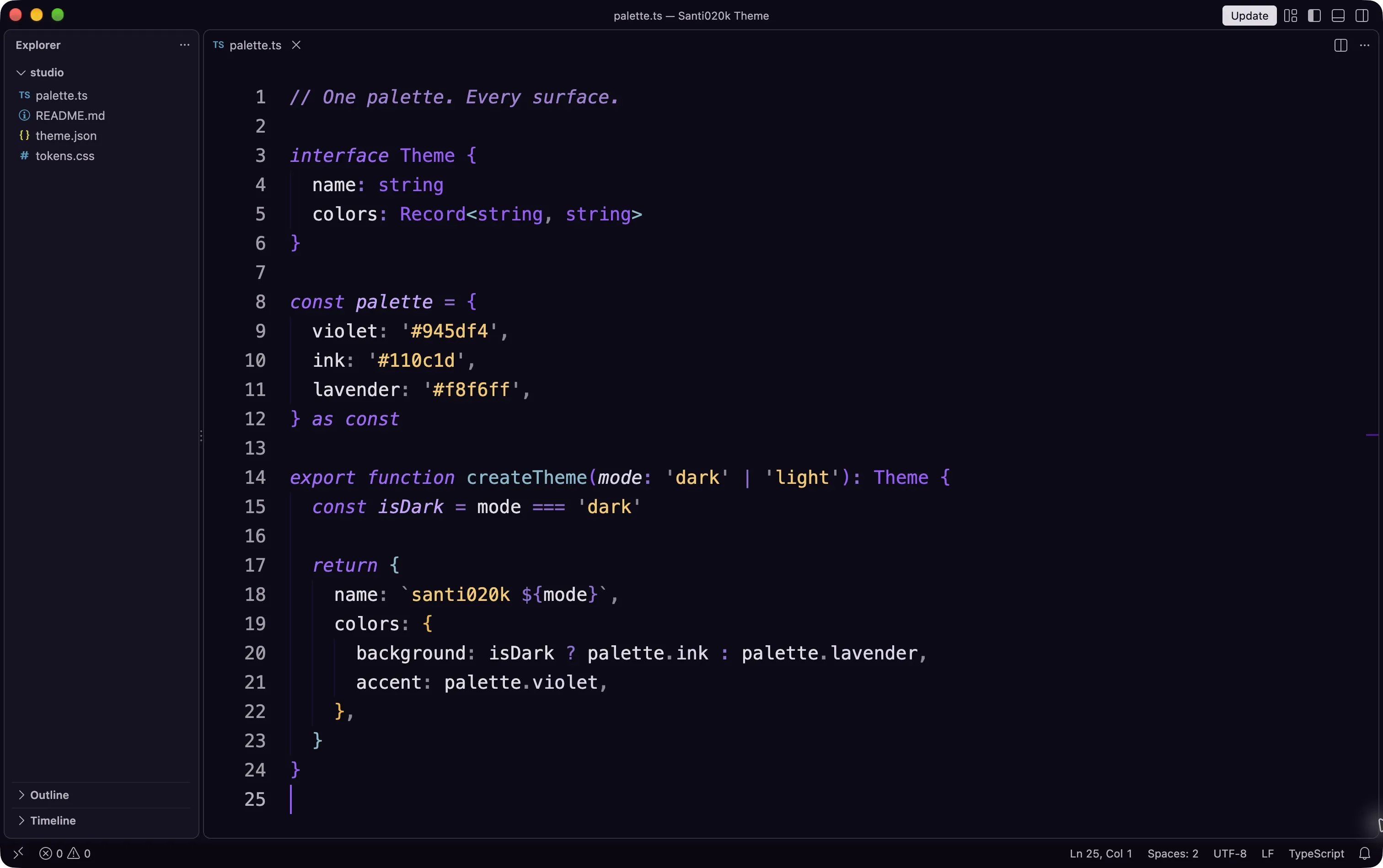
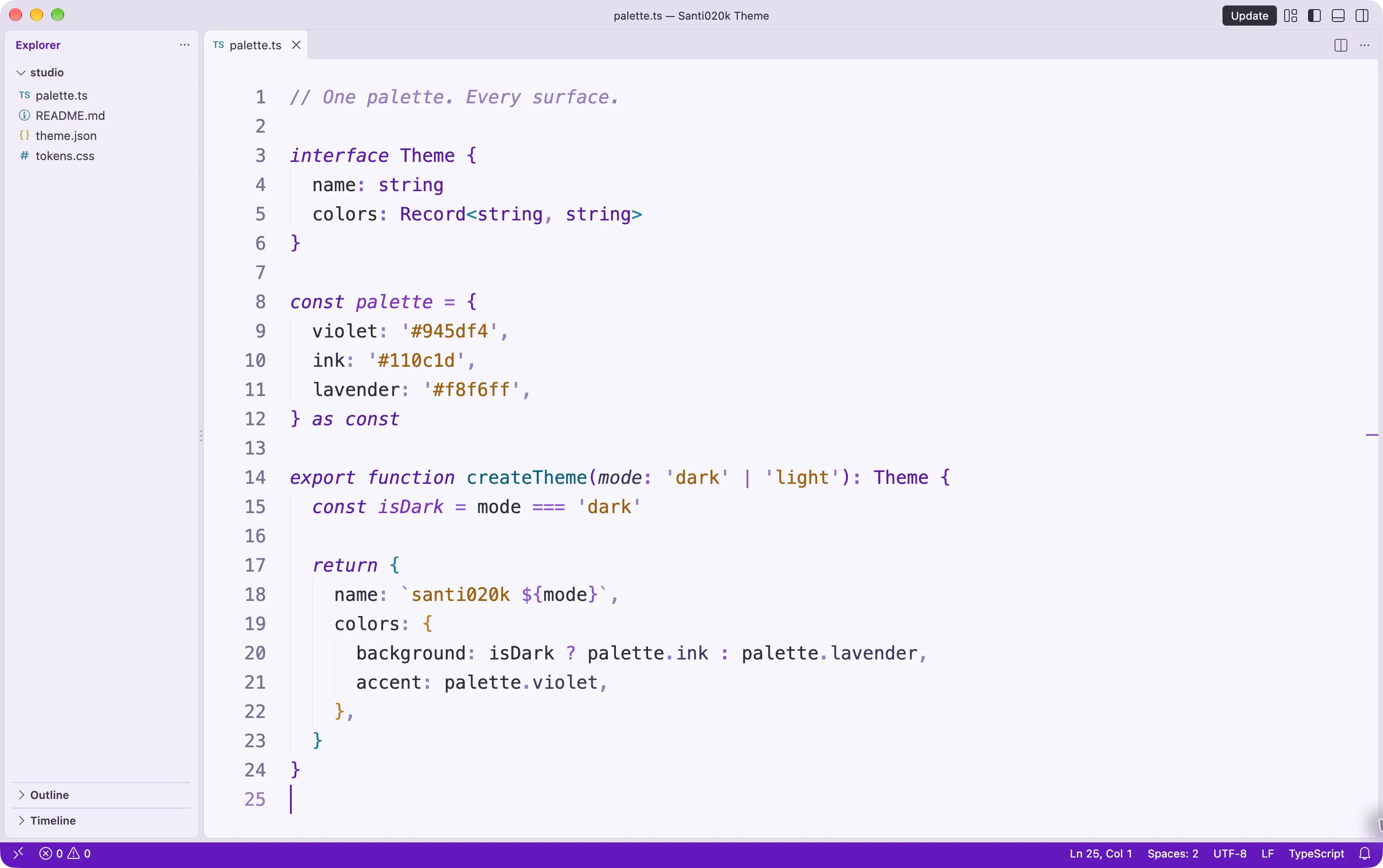
Theme screenshotDark / Light
VS Code
Dark, light, high-contrast, bold, and italic variants for VS Code-compatible editors.
View VS Code
02 / The theme family
Start with your editor. Bring the same considered palette to the rest of your workspace.
Dark, light, high-contrast, bold, and italic variants for VS Code-compatible editors.
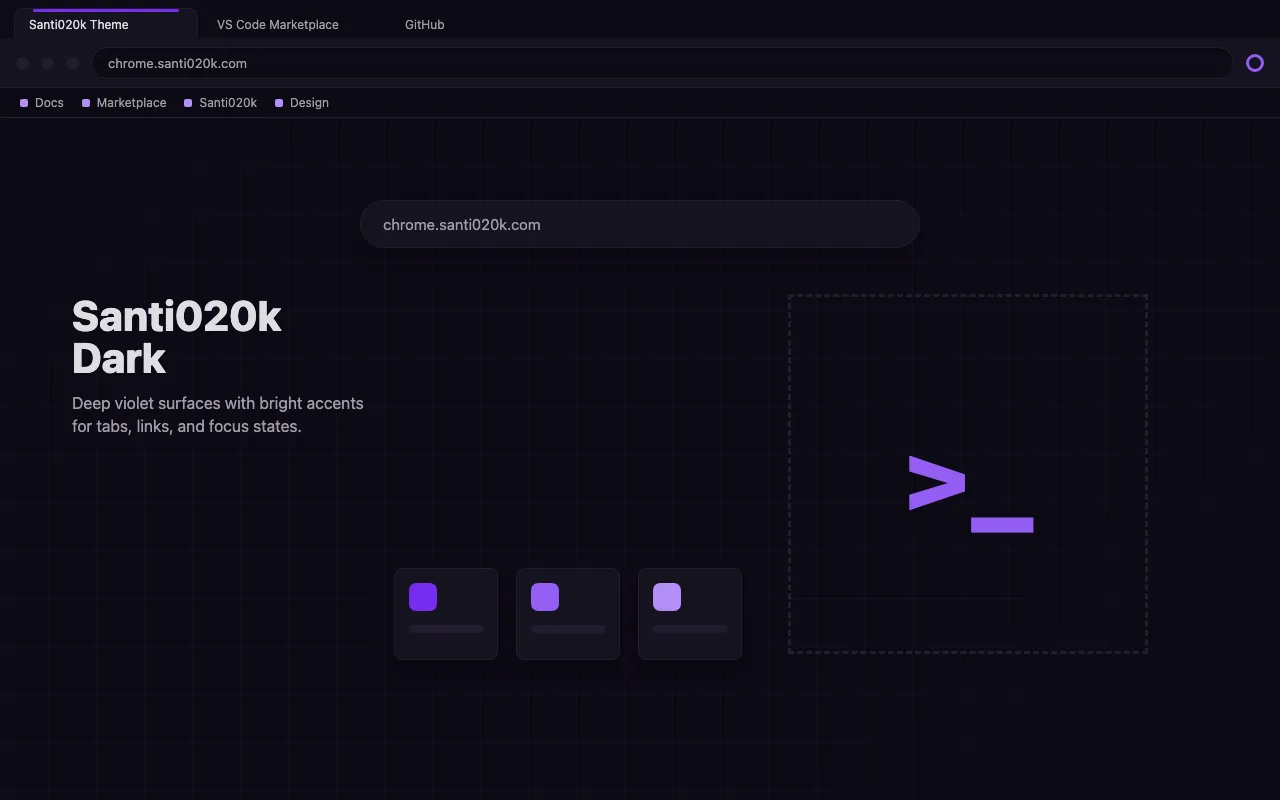
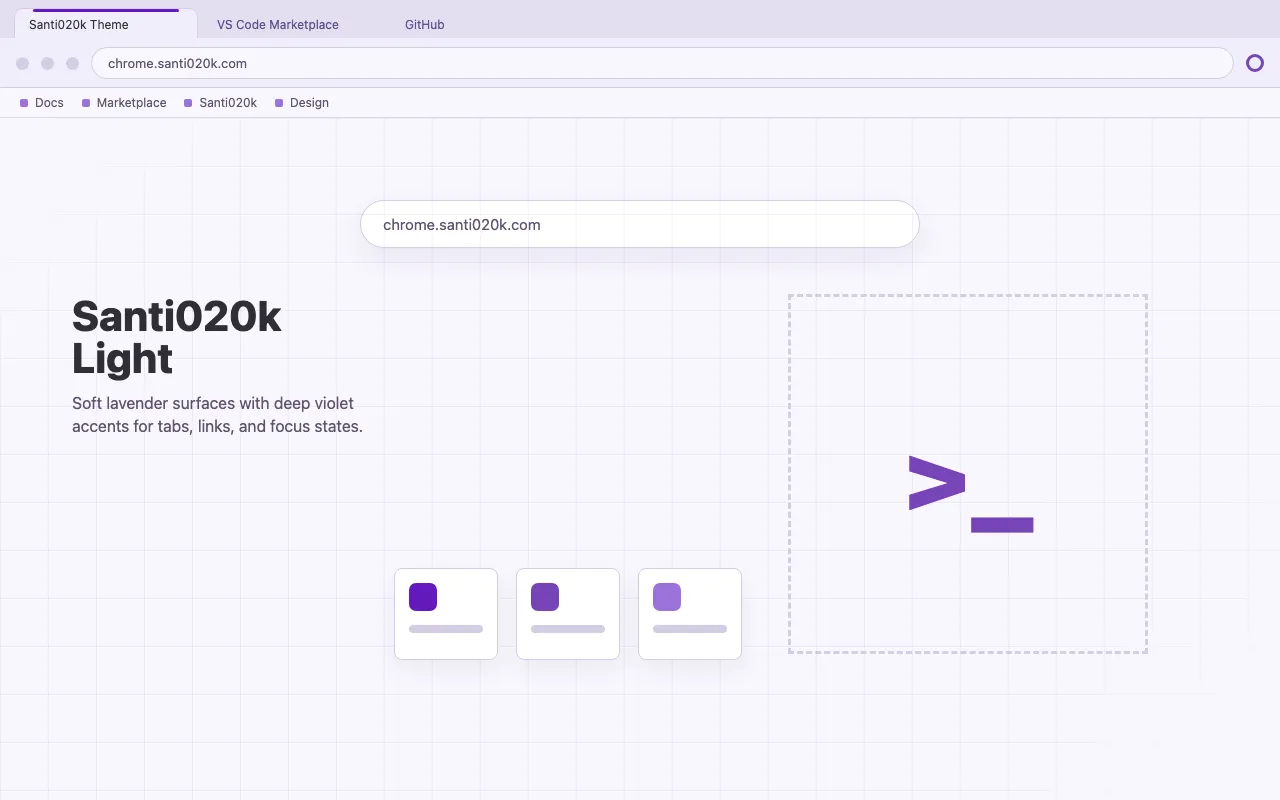
View VS CodeMatching dark and light browser chrome with the same violet system.
View ChromeTerminal colors, Starship prompts, shell setup, and a guided configurator.
View TerminalDark and light editor variants generated from the shared palette.
View ZedImport-ready dark and light custom theme presets.
View CodexRaycast Pro custom themes with one-click dark and light import URLs.
View RaycastCustom workspace colors supplied as legacy import strings and semantic maps.
View SlackA complete UI and editor plugin for Android Studio and JetBrains IDEs.
View JetBrainsNative dark and light editor and debug-console color themes.
View XcodeA paired wallpaper pack with dark and light artwork and native icon-tint guidance.
View iPhoneCalm dark and light notes, code, and navigation for desktop and mobile.
View ObsidianNative syntax, Tree-sitter, LSP diagnostics, diffs, and terminal colors.
View Neovim03 / Make it your own
Use the same colors, typography, and brand assets in your own interface. One shared package, from the first sketch to the final surface.
Explore the sourcepnpm add @santi020k/theme@import '@santi020k/theme/tokens.css';import { config, projects }
from '@santi020k/theme'04 / Beyond the window
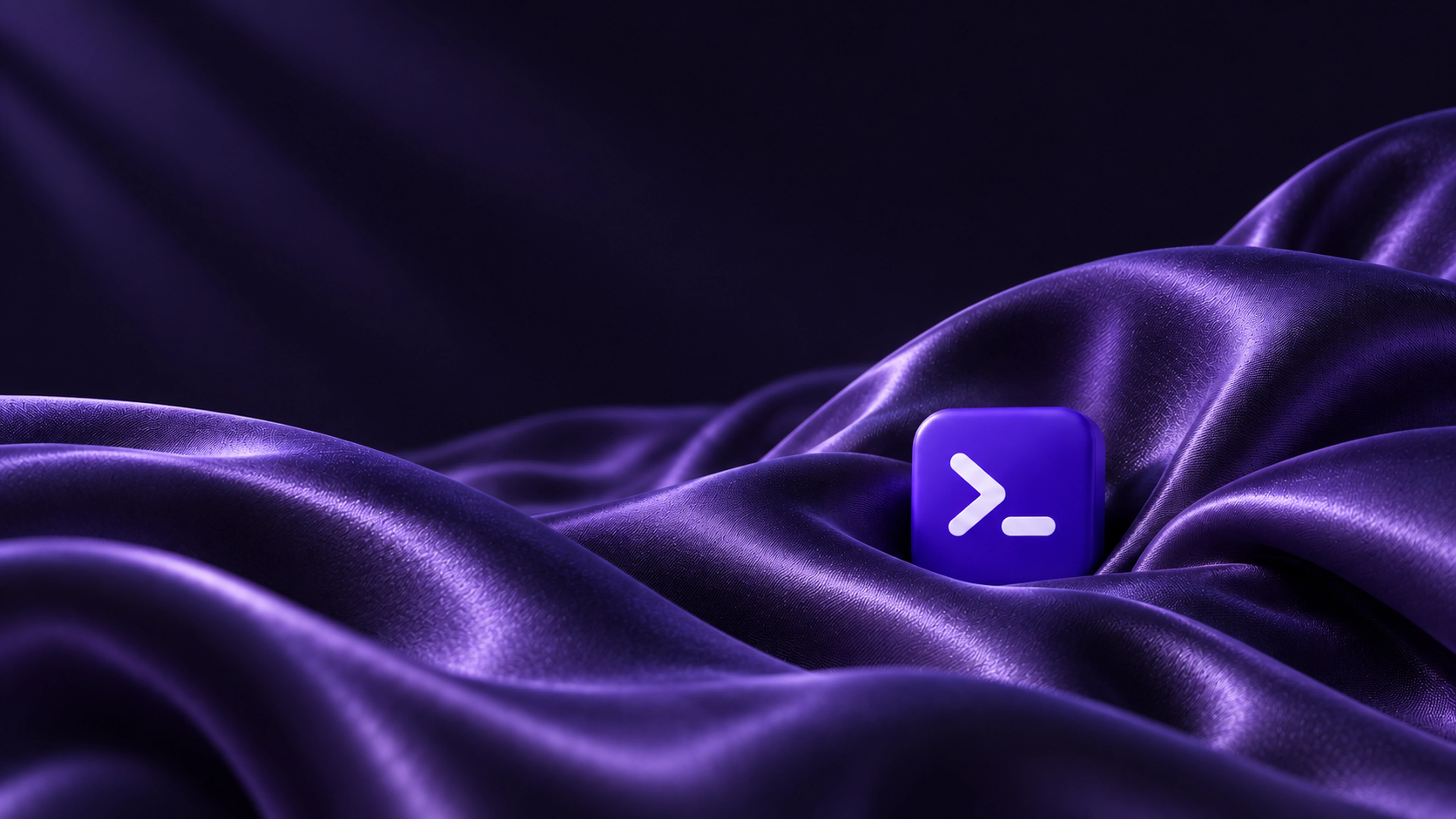
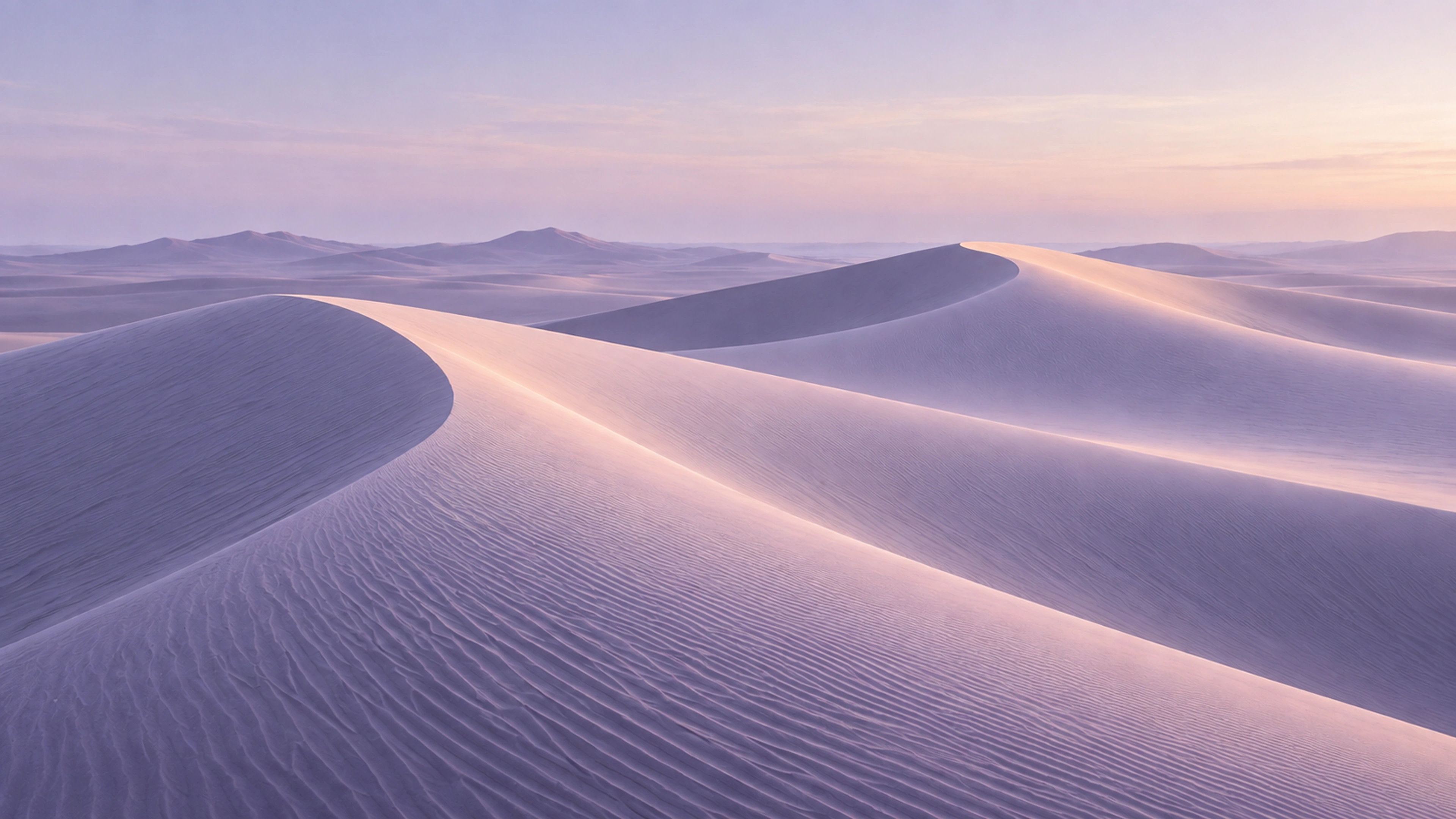
Sculptural ceramic, deep violet satin, and sunlit dunes. Three favorites to bring a little of the palette to your desktop.